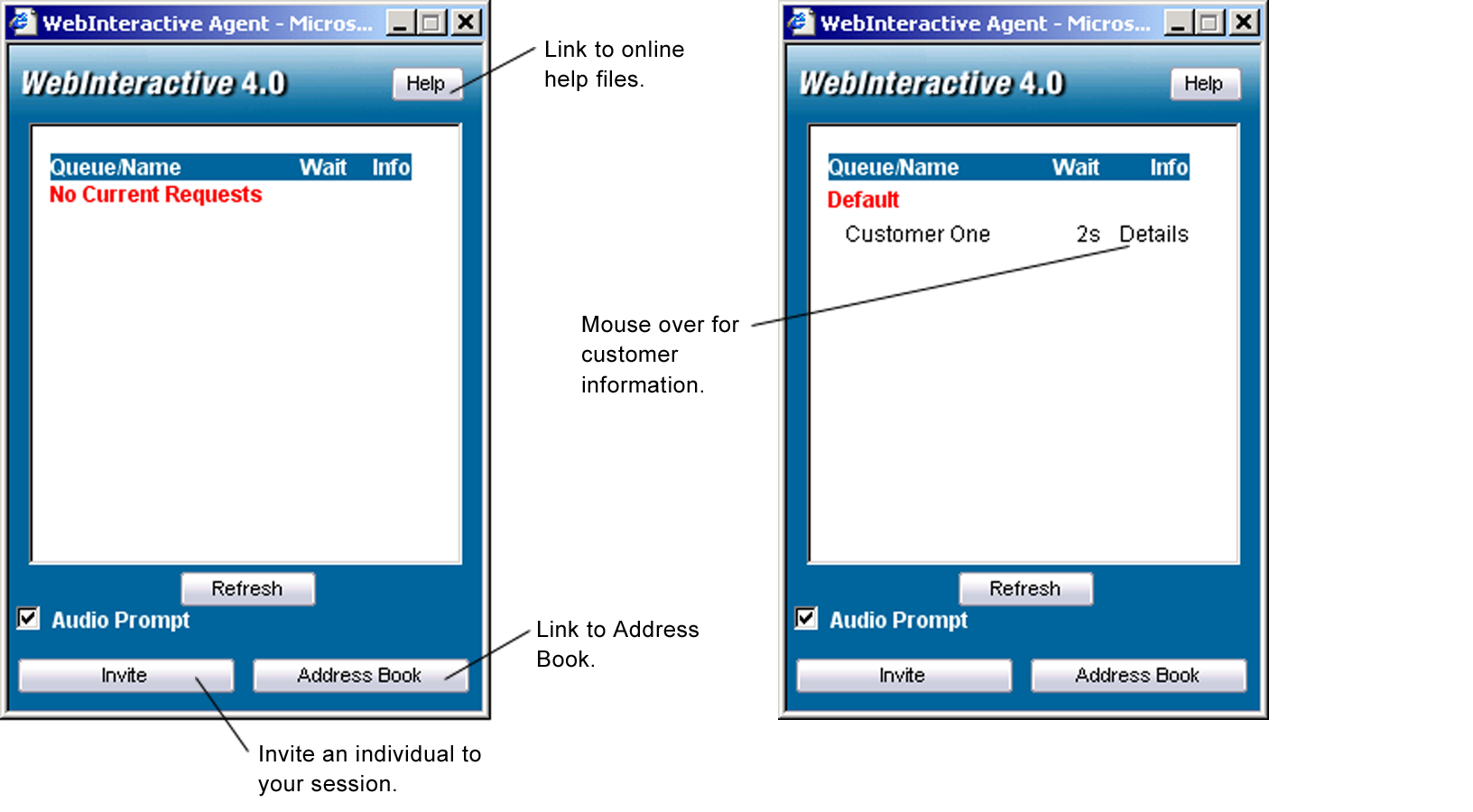
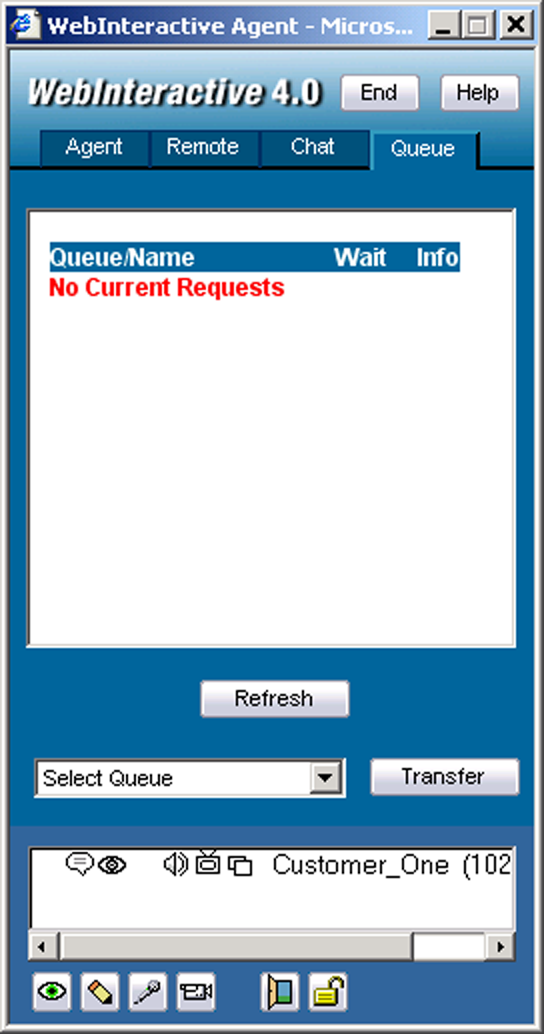
Once a person or persons enter the queue, they appear in the queue list, as shown below. If you mouse over the Details field, you can view the information that they entered such as their question. Click on the person’s name on your queue list to enter a WebInteractive session with them.
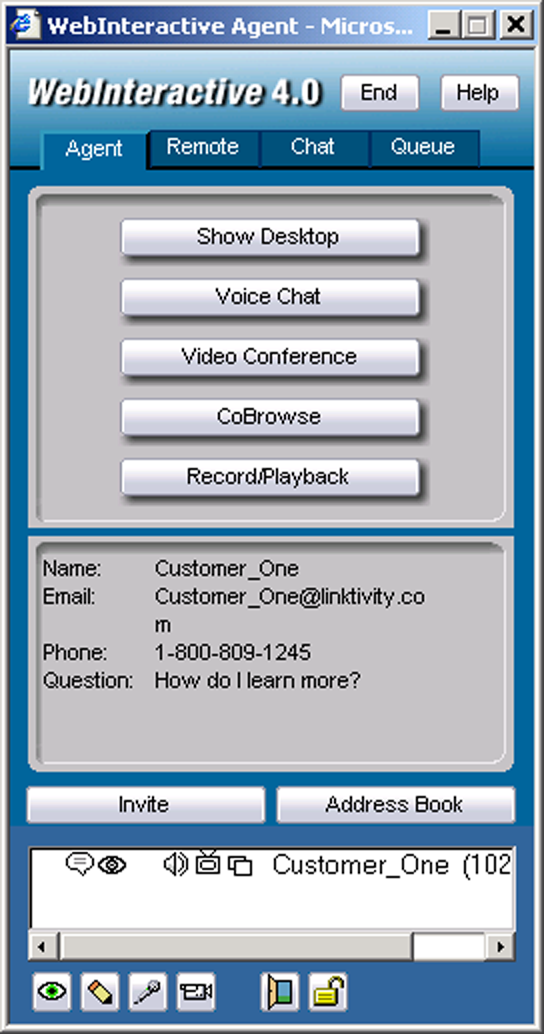
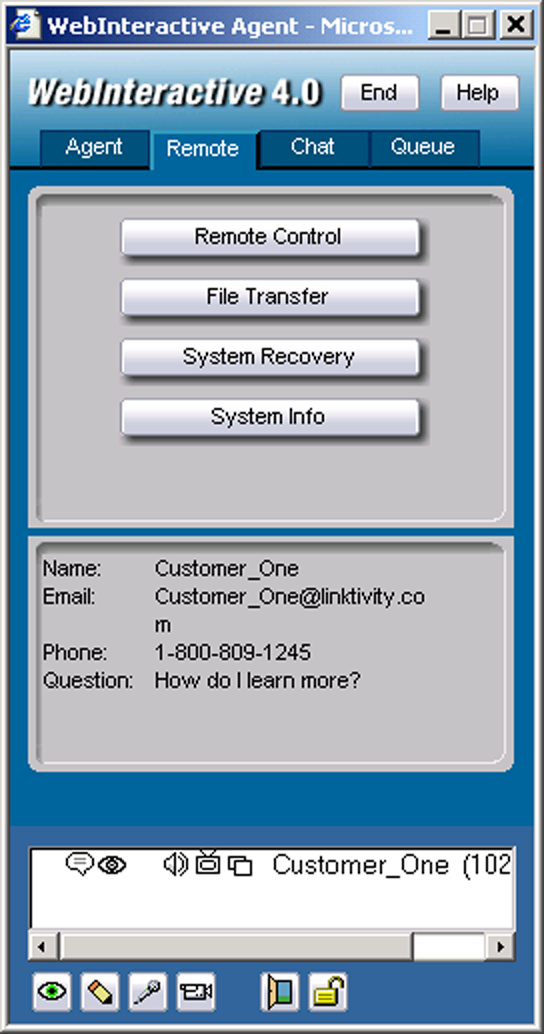
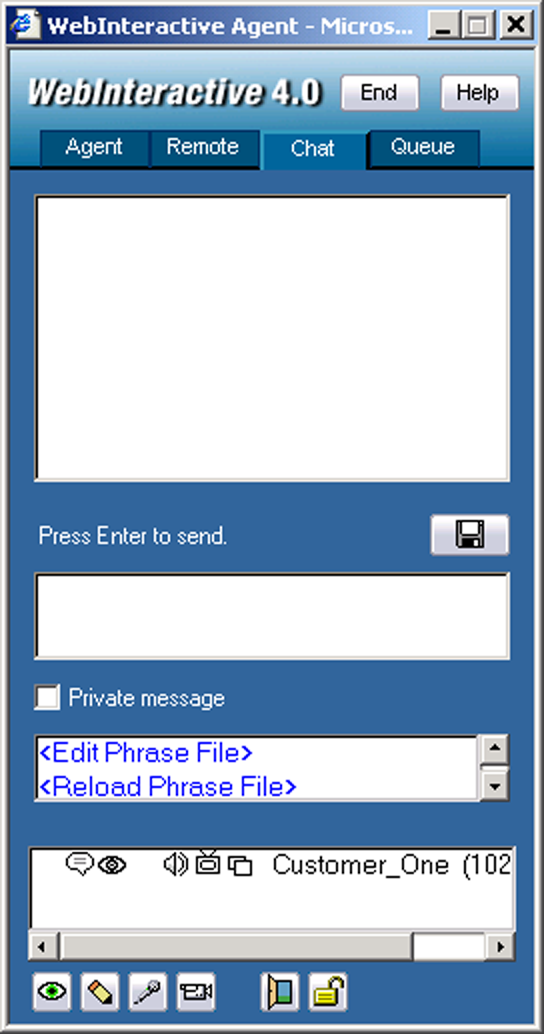
The Help button opens the online Help file. The Drop button allows you to quickly remove the client from the session. Once you click the right arrows button, the Web Agent console opens to show the Keyboard Chat portion. The Invite button opens a window that allows you to send an email invitation to a third party to join your WebInteractive session. The Address Book button opens your address book.
The Transfer button works with the QUEUE list. You can transfer your client to a different QUEUE. Once the client is transferred, they wait on the other QUEUE for another Web Agent. The SAVE button allows you to save the current Keyboard Chat history to text file.